
Editorial Overview
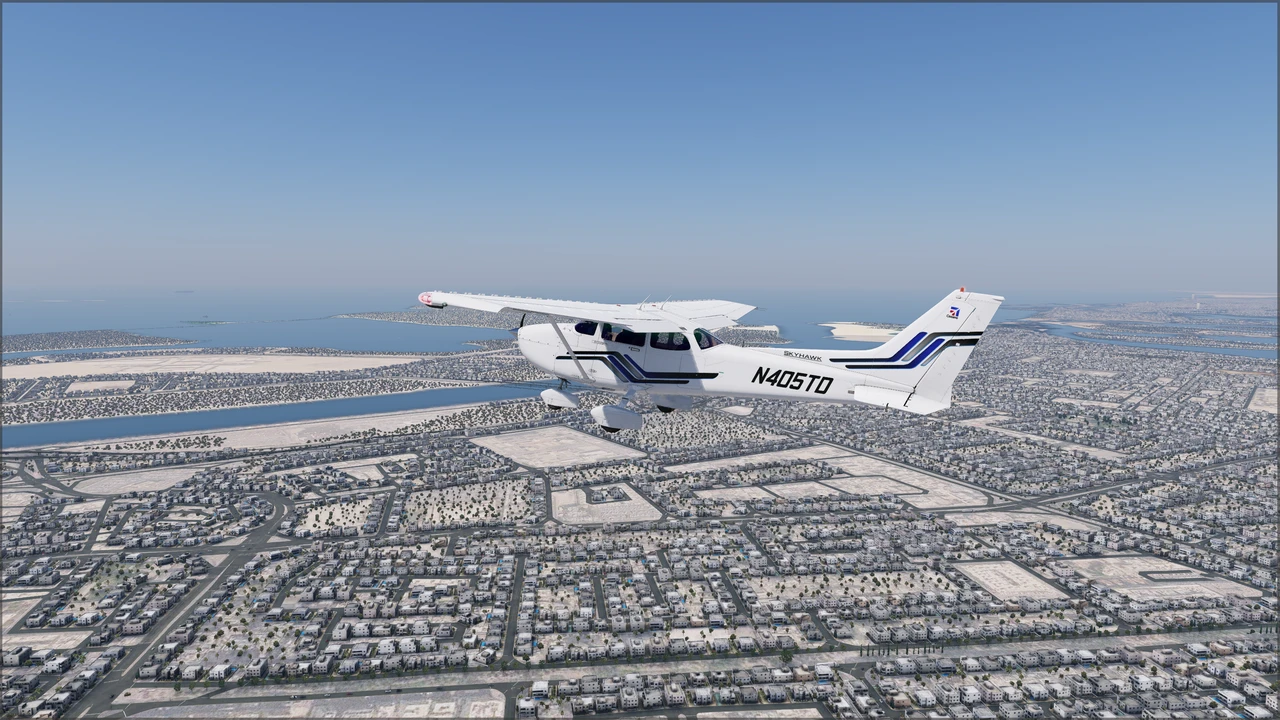
The Airfoillabs C172 NG Digital elevates the humble Cessna 172S Skyhawk from a basic training runabout into one of the most mechanically detailed general aviation simulations available for X-Plane. While desktop flight simmers are accustomed to default glass-cockpit Skyhawks, this rendition approaches the airframe with true study-level scrutiny. At its core is an interactive component model tracking roughly 175 distinct mechanical parts—from individual cylinder temperatures and spark plug fouling on the Lycoming IO-360-L2A engine to battery drain, tire wear, and landing gear strut flexing. Rather than jumping straight into the cockpit and turning the key, pilots are encouraged to conduct a complete physical walkaround: removing pitot covers and tie-downs, checking oil levels, sampling fuel for contamination, and even manually towing the aircraft out of the hangar.
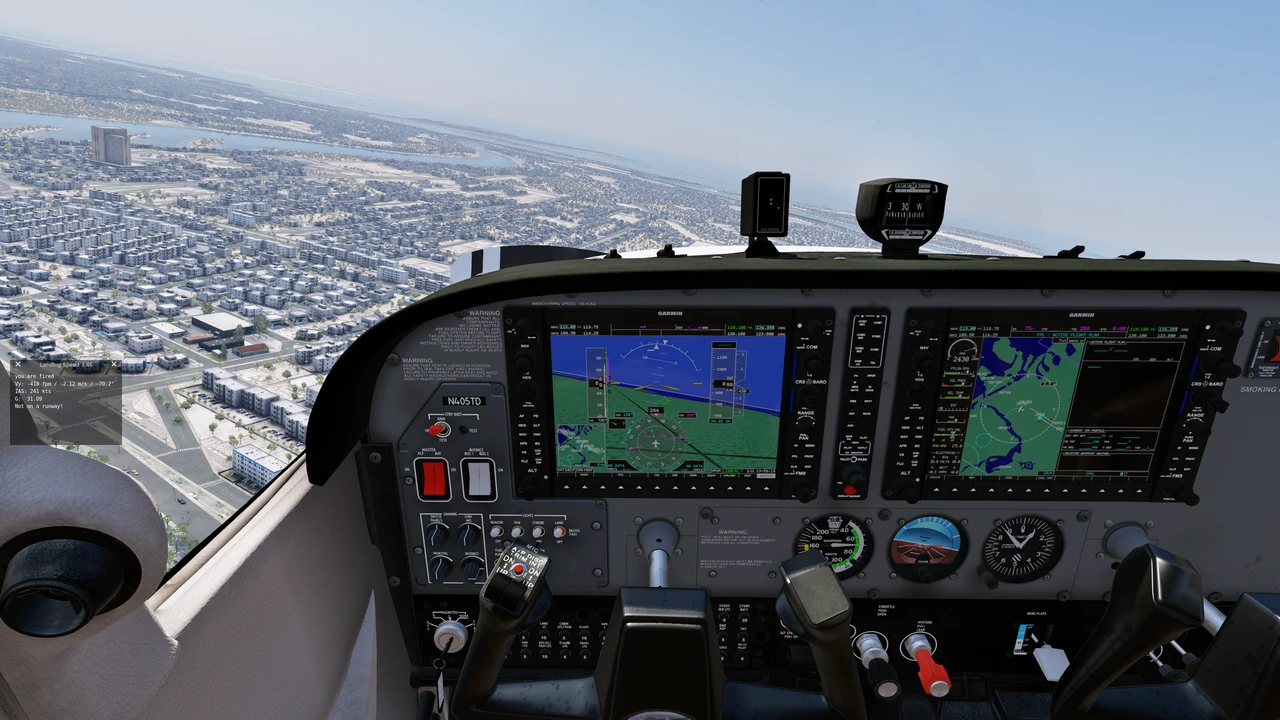
Once in the cockpit, the glass flight deck centers on an enhanced Garmin G1000 suite that goes well beyond standard avionics overlays. Pilots have access to dedicated engine management tabs with functional Lean Assist logic, reversionary backup modes, and instrument failures tied directly to underlying system faults and tripped circuit breakers. In the air, the aircraft delivers authentic light-aircraft flight physics tuned against real flight recording data, featuring convincing stall and spin tendencies, subtle engine torque on climb-out, and responsive crosswind ground handling. While the level of mechanical maintenance and preflight rigor may surprise casual simmers looking for a quick hop, it gives GA enthusiasts and student pilots an uncompromising, procedural ownership experience where poor engine management has real mechanical consequences.
Highlights (Pros)
- Industry-leading general aviation depth with over 175 simulated components subject to persistent wear, fouling, and cascading failures.
- Interactive physical walkaround mode that lets pilots pull control surfaces, sumps, fuel tanks, check oil levels, remove covers, and manually tow the aircraft.
- Extended G1000 glass cockpit featuring custom engine diagnostics, authentic Lean Assist guidance, and failure-reactive display modes.
- High-fidelity acoustic package with over 320 real-recorded FMOD sound cues, covering everything from switch clicks and engine vibrations to cabin headphone noise reduction.
- Built-in 2D utility manager offering quick-start states (Cold & Dark to Ready for Takeoff), weight-and-balance calculators, and live electrical bus schematics.
Limitations & Quirks (Cons)
- Noticeably higher hardware overhead than default general aviation aircraft; extensive plugin logic and texture depth can hit frame rates on modest systems.
- Unforgiving preflight requirements; failing to remove tie-downs or mishandling the engine mixture can quickly lead to aborted takeoffs or fouled plugs.
- Requires installation and activation through the standalone XJet Product Manager utility rather than standard drag-and-drop folder installs.
- Dense overlay menus and multi-window 2D UI panels can feel cluttered or require configuration tweaks when flying in VR or multi-monitor setups.
Community Reviews & Ratings
0No community reviews logged for this aircraft yet. Share your experience below!
Leave Your Aircraft Review
You must be logged in as a Flight Sim Support community member to leave a rating and review.
Log In to ReviewPurchase & Download
Systems & Integrations
- AviTab Tablet No
- SimBrief Direct OFP No
- Custom FMS / FMC Default XP12
- FMOD2 Sound Engine Active
- VATSIM / IVAO Ready Yes
